
Entry Modes
Player Mode, Count Mode, and Clock Mode. What each one is for, what it gives you, and what it deliberately gives up.
Before you build a tournament you pick how you are going to track the people in it. The choice sits at the top of the Tournament tab as three buttons, and it changes what the rest of the screen shows you.
Most people should use Player Mode and never think about this again. The other two exist for specific situations.
Player Mode
The default, and the one the app is really built around.
You pick named players from your library, mark who has bought in, and seat them. From then on the app knows who is who: it tracks who busted, who knocked them out, who is left, what place everyone finished in, and it feeds all of that into lifetime player statistics and league standings.
Use this if you know who is coming, which in a home game you almost always do.
Everything else in this guide assumes Player Mode unless it says otherwise. Seating, bust tracking, knockout attribution, player stats, and leagues all require it.
Count Mode
Premium only.
You do not name anybody. You just tell the app how many people bought in, and it tracks the number.
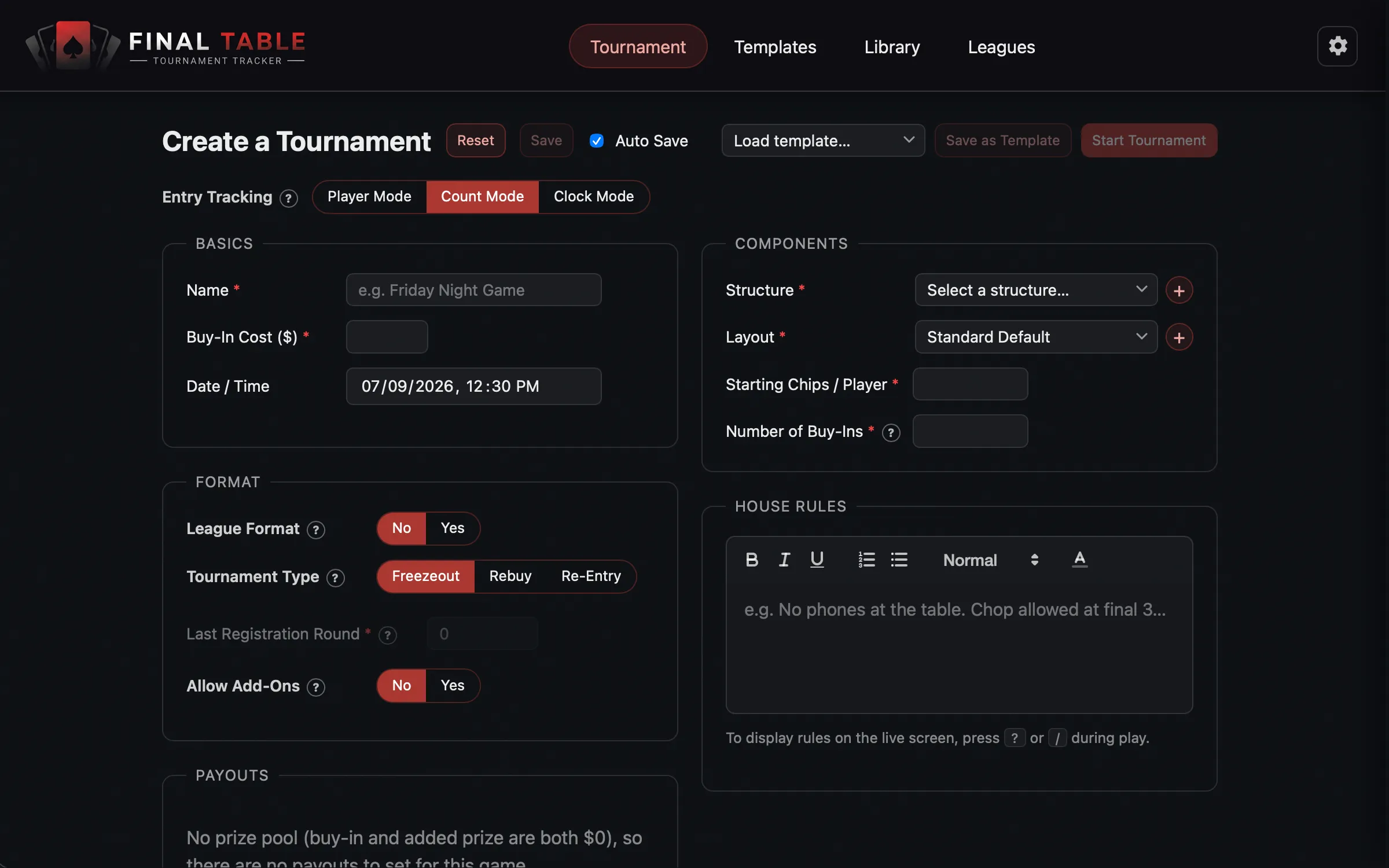 Count Mode: a headcount, not a roster.
Instead of a player checklist you get a single Number of Buy-Ins field, and instead of a chip set you can just enter Starting Chips / Player. During play, busting someone is a number (“how many just went out?”), not a name.
The clock, the pot, the prize pool, the payouts, the blind structure, the rebuys, the add-ons, the late registration, the casting to a TV: all of it still works. The only thing missing is the identity of the people.
What Count Mode gives up, and why that is the point
- No seating. The app is not tracking individuals, so it cannot seat them.
- No knockout attribution. Nobody can be credited with a bust.
- No player statistics. Nothing to attach them to.
- No leagues. A season needs to know who scored the points.
This is not a limitation to work around. It is the entire purpose. Count Mode is for a game where tracking people individually would be a waste of your time: a casino-style event with walk-ins, a charity night with a hundred entrants, a bar tournament where you genuinely do not know anyone’s name and nobody expects you to.
If you find yourself wishing Count Mode had seating, you wanted Player Mode.
A note on adding people mid-game. In Player Mode you can only late-register someone who is already in your player library. There is no “create a new player right now” button on the live screen, and that is deliberate: Player Mode is for a known field. If your game has genuine walk-ins you have never met, that is exactly the game Count Mode is for.
Clock Mode
A blind timer and nothing else.
No players, no chips, no pot, no payouts, no seating. You pick a structure and you get a
clock. Space pauses it, ] and [ move levels.
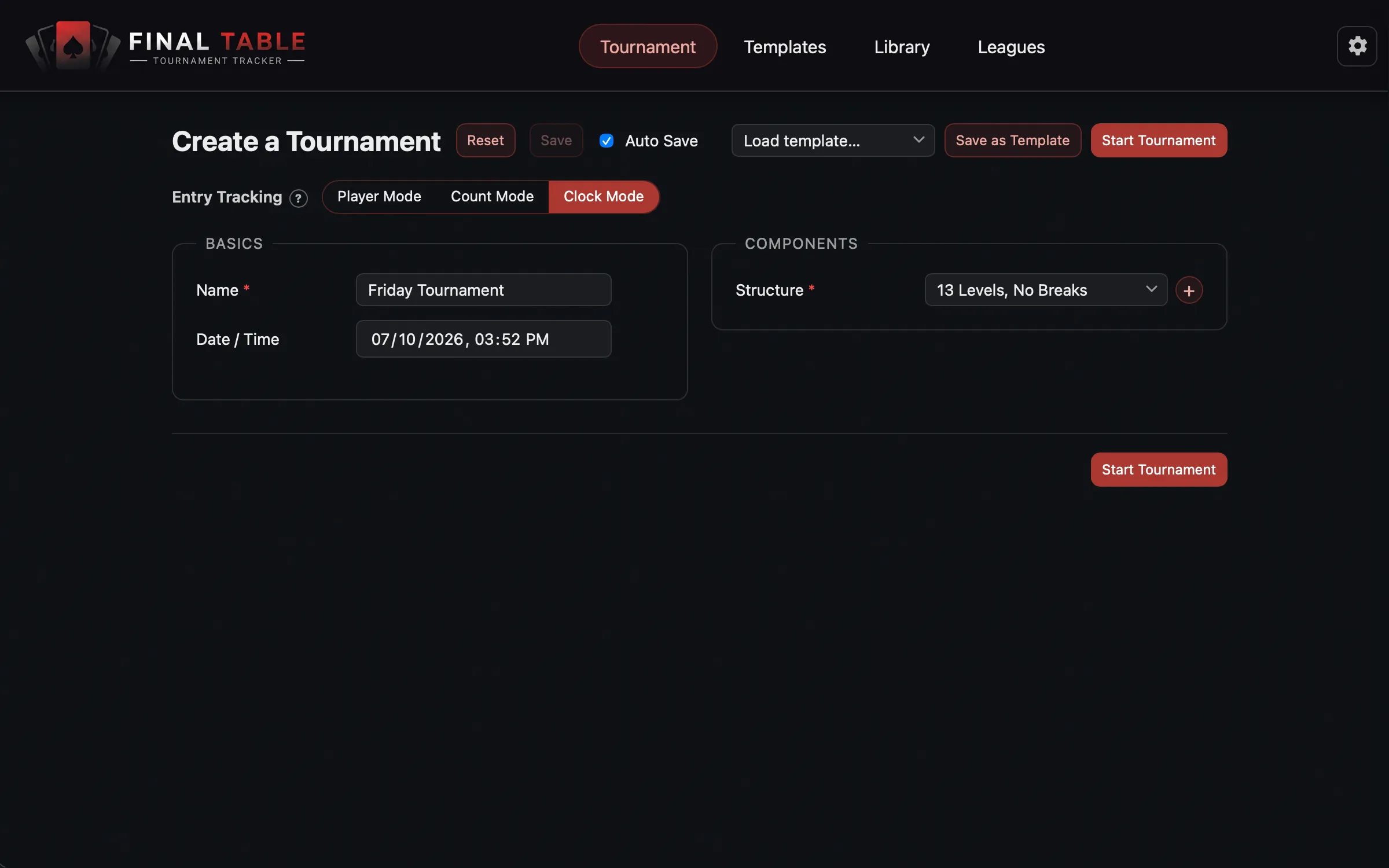 Clock Mode: just the timer.
Use it when someone else is handling the money and you just need blinds on a screen, or when you want to run a structure you are testing.
Clock Mode has no cast button and no live actions, and a custom layout never applies to it (it always uses the bare timer).
This is also the only mode the Free tier can run.
Picking between them
| If you… | Use |
|---|---|
| Know who is at the table | Player Mode |
| Have a roomful of strangers and only care about the headcount | Count Mode (Premium) |
| Just need blinds on a screen | Clock Mode |
| Are running a league season | Player Mode (leagues need names) |
What happens if your license lapses
If you built a tournament in Count Mode and your Premium license stops verifying, a tournament that has not started yet quietly reverts to Player Mode, and any rake you set is cleared.
A tournament that is already running is left alone. The app will not change the money or the mode out from under a live event.