
Leagues and Seasons
Turning a weekly game into a season with standings. Leagues, seasons, league formats, qualification, and the season lifecycle.
Paid and Premium. This is the feature that turns a poker night into a poker league.
If you host the same game every week or every month, a season gives it a story: a points race, a leaderboard, players chasing qualification, and a champion at the end. It is the difference between eight guys playing cards and a competition people care about.
The three layers
League → Season → Games.
A League is just a name: “Thursday Night Poker”. It lives forever and holds seasons.
A Season is one competition inside it: “2026 Spring”. It has a scoring system, a length, a leaderboard, and usually a championship at the end. When it finishes, you start another one, and the league carries on.
A Game is a single tournament night that counts toward the season standings.
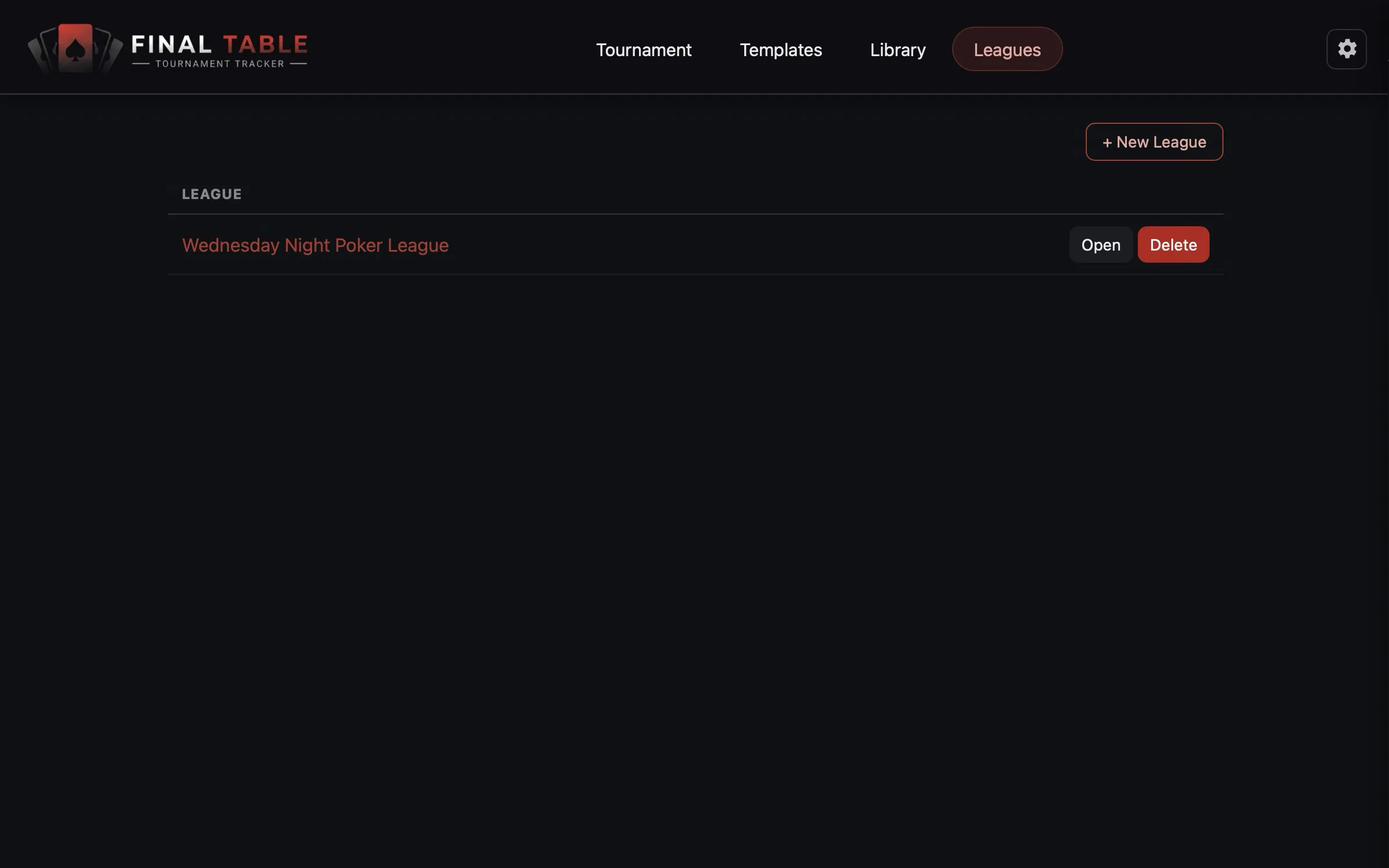 Your leagues.
Creating a league
Click + New League and give it a name. That is the entire form.
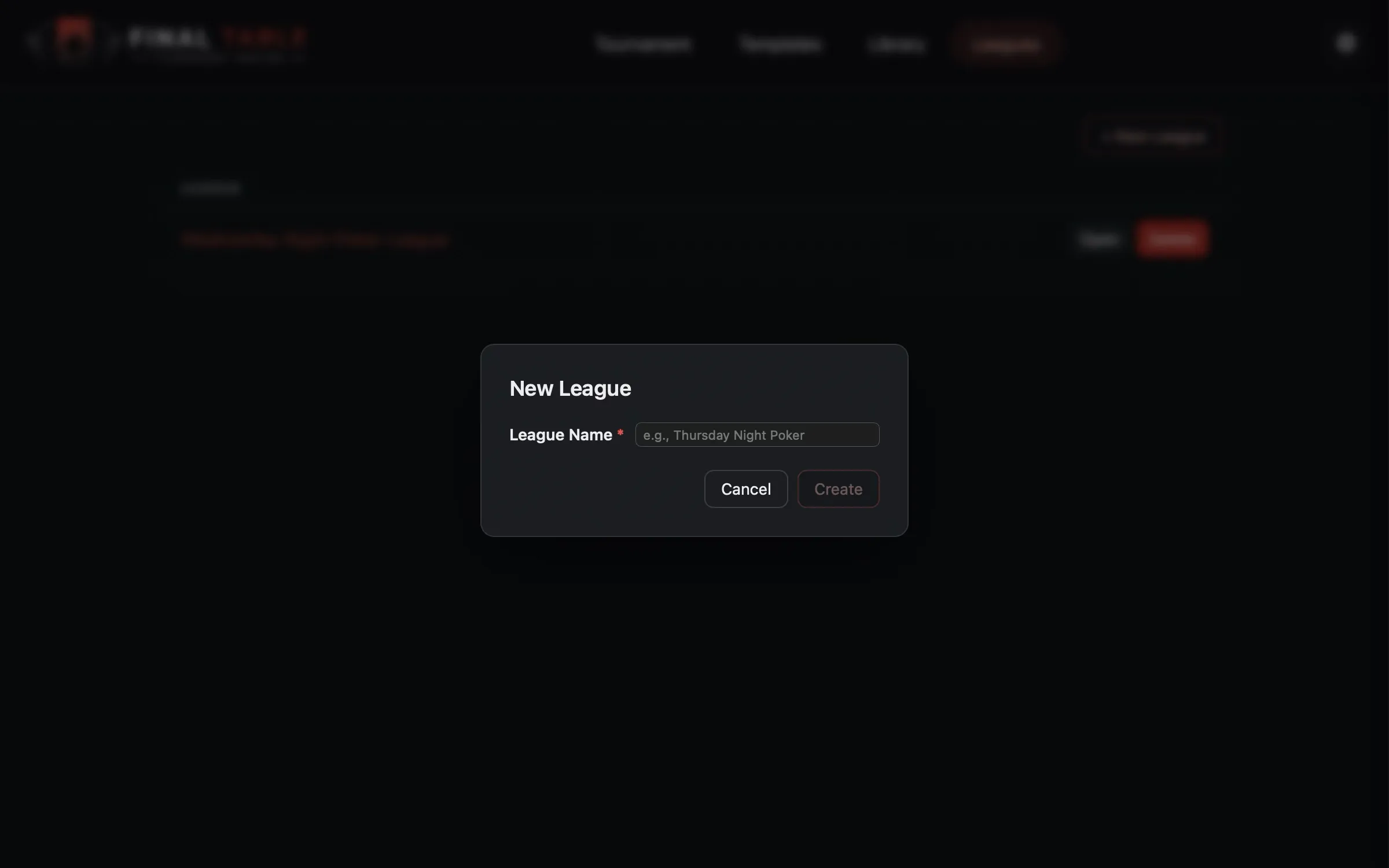 A league is just a name. The interesting part is the season.
League Formats: build the night once
Before you create a season, you need a League Format: the tournament setup that every game night runs on. Same buy-in, same structure, same chips, every week. That consistency is what makes the standings fair.
A League Format is just a template with a flag on it. Go to the Tournament tab, build your regular game exactly as you would any other, and in the Format section set League Format to Yes. Save it as a template and it will show up in the season’s format picker.
What the season does with it, and why it matters: when you pick a format for a season, the season takes a permanent snapshot of it. Every game night is minted from that snapshot. So if you go and edit (or even delete) the original template halfway through the season, nothing about your running season changes. Week 12 will be the same tournament as week 1. This is the same copy-not-link rule as everything else in the app, and here it is doing real work: it means you cannot accidentally distort a season that is already underway.
Because the format is fixed, a league game locks the things that must stay identical (entry mode, buy-in, structure, chips, rebuys and add-ons) while leaving the things that naturally change each week (the name, the date, the tables, who turned up, and the seating) fully editable.
Creating a season
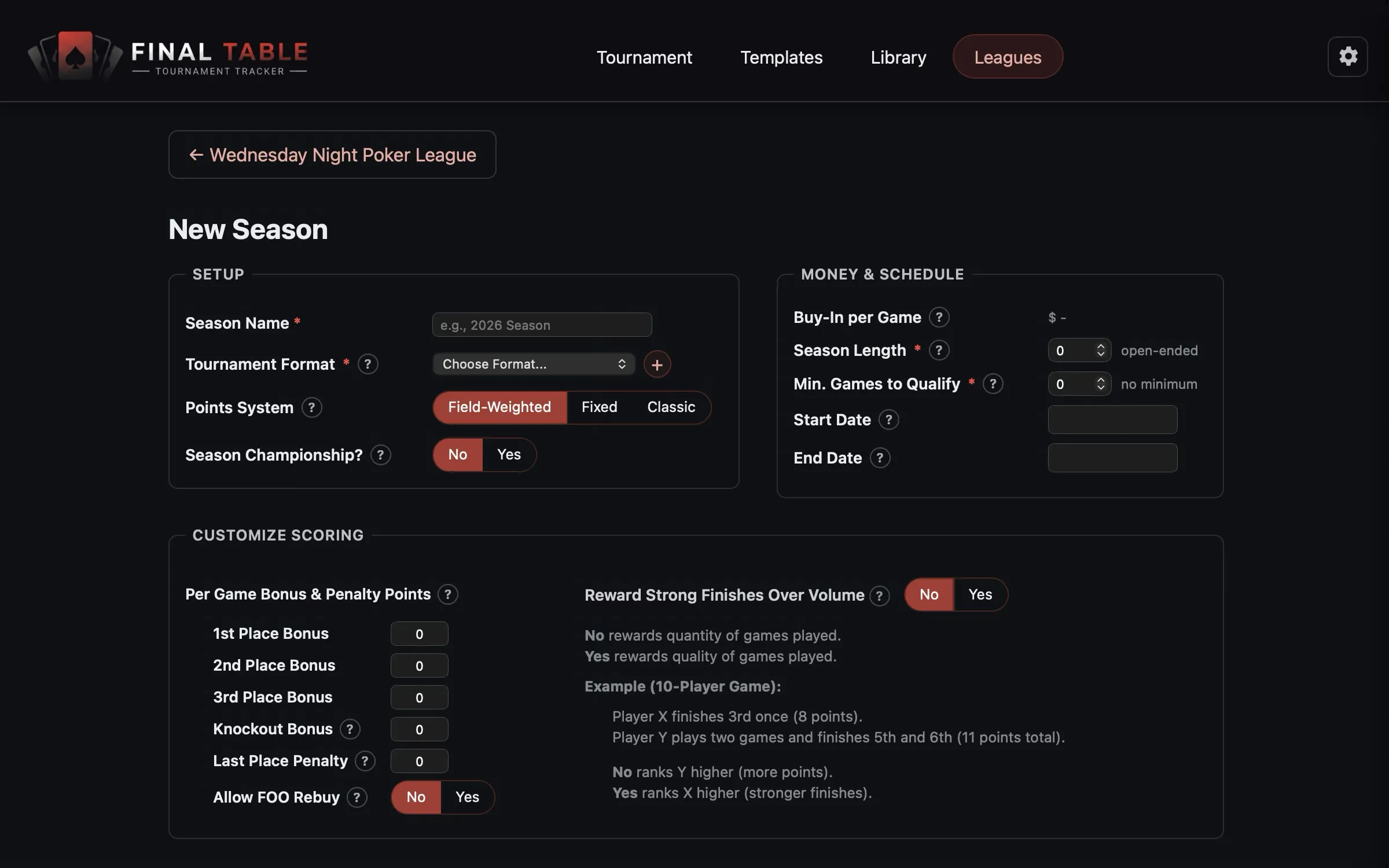 The season setup screen.
Setup
| Field | What it does |
|---|---|
| Season Name | Required. “2026 Spring”, “Season XIV”. |
| Tournament Format | Required. The League Format above. Every game is minted from it. |
| Points System | How a finish becomes points. Three choices, covered in Points Systems Explained. |
| Season Championship? | Yes or No. Turns on the season pot and the freeroll finale. See The Championship Finale. |
Money and schedule
| Field | What it does |
|---|---|
| Buy-In per Game | Read-only. It comes from the format, because it has to be the same every week. |
| Season Length | How many games the season runs for. 0 means open-ended: it runs until you end it. |
| Min. Games to Qualify | How many games a player must show up to before they appear in the ranked standings. 0 means everybody is ranked. |
| Start Date / End Date | Optional. |
Min. Games to Qualify is the most underrated setting here. It is the answer to the guy who shows up once, spikes a win, and sits on top of your leaderboard all season without playing again. A minimum of around 40% of your season length is a well-tested rule of thumb. Players below it still appear, marked Needs N More Games, so they can see exactly what they have to do.
The season lifecycle
A season moves through three states, and the app derives them for you.
Ready → no games played yet. Everything is still editable.
In Progress → the first game has been played. The format and the freeroll contribution now lock, with a note explaining why: “This season is in progress, so the tournament format and freeroll contribution are locked to keep it consistent.” You would not want week 8’s buy-in to differ from week 1’s.
Completed → you ended it. Fully read-only, with a champion. You can Reopen it if you ended it by mistake.
Paid tier: one season In Progress at a time. Premium: as many as you like. You can have as many Ready drafts as you want on any tier.
Playing a season
From the season dashboard, click New Game. The tournament is created from the season’s format snapshot, so all you do is confirm who is here, seat them, and start. Run the night exactly as described in Running a Tournament.
When it completes, the results flow into the standings automatically. There is nothing to file.
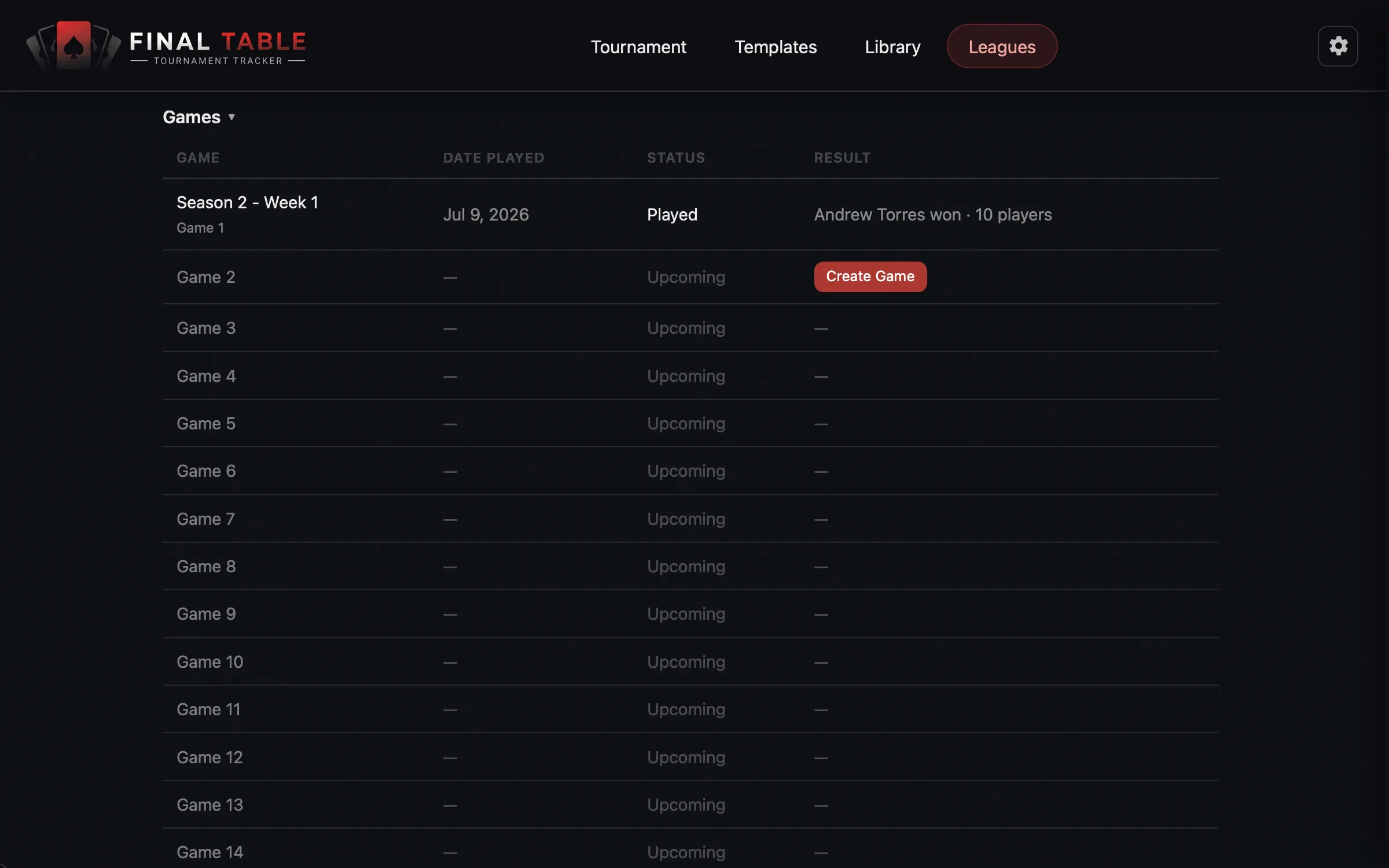 Every game in the season, and its results.
The standings
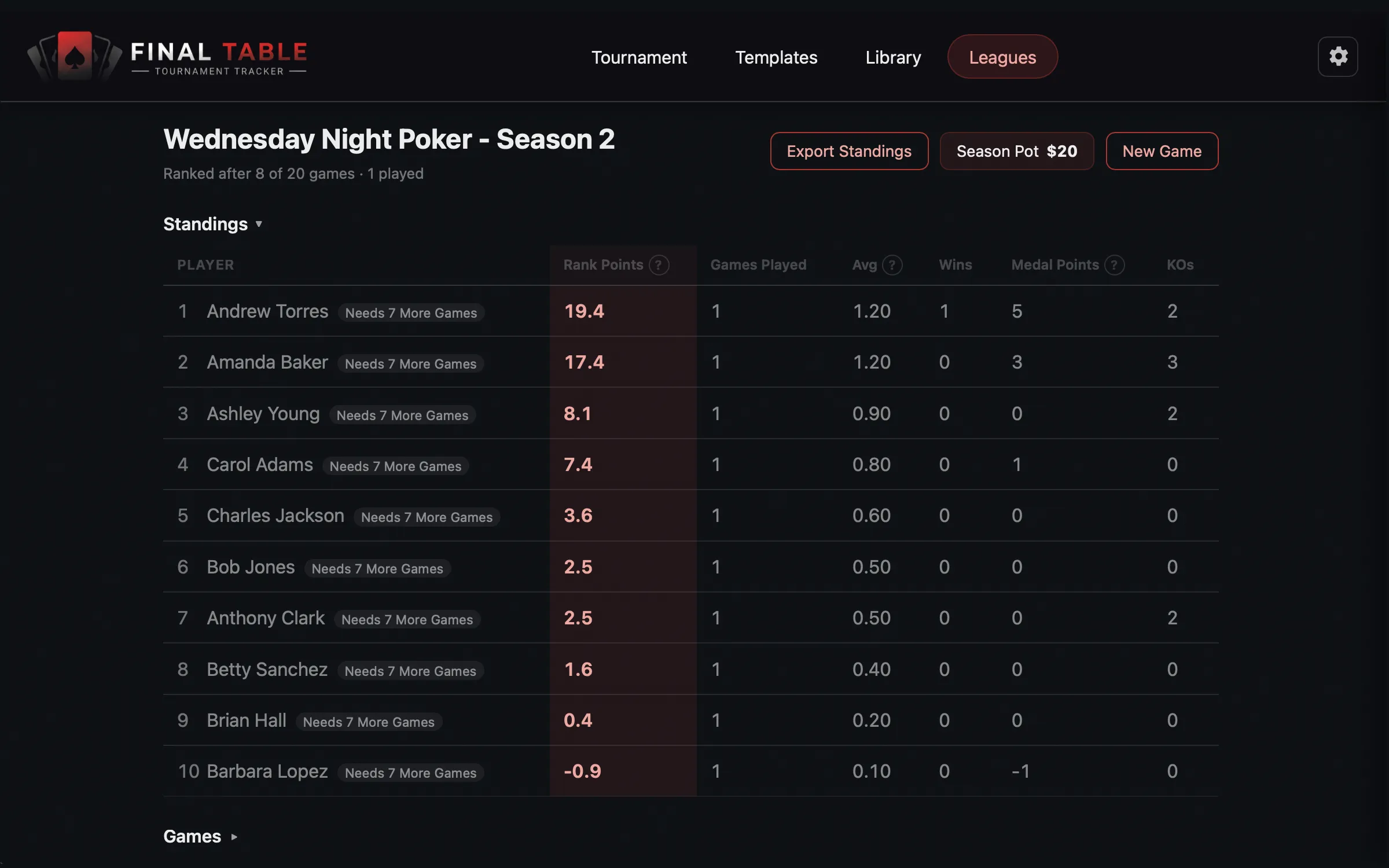 The leaderboard. This is the thing your players will actually look at.
The leaderboard shows each player’s Points (or Rank Points), Games Played, Wins, Medal Points, and KOs. Badges call out the League Champion and anyone who still Needs N More Games to qualify.
Export Standings renders the whole table as an image you can paste straight into your group chat. That is how most leagues share a leaderboard, and it takes about four seconds.